> For the complete documentation index, see [llms.txt](https://help.safebooks.vn/safebooks/llms.txt). Markdown versions of documentation pages are available by appending `.md` to page URLs; this page is available as [Markdown](https://help.safebooks.vn/safebooks/vu-viec/quan-ly-vu-viec-du-an/cap-nhat-so-du-dau-ky-ton-kho-theo-vu-viec-phuc.md).
# Cập nhật số dư đầu kỳ tồn kho theo vụ việc
## Hướng dẫn thao tác
#### Trường hợp 1: Nhập tay từ bàn phím
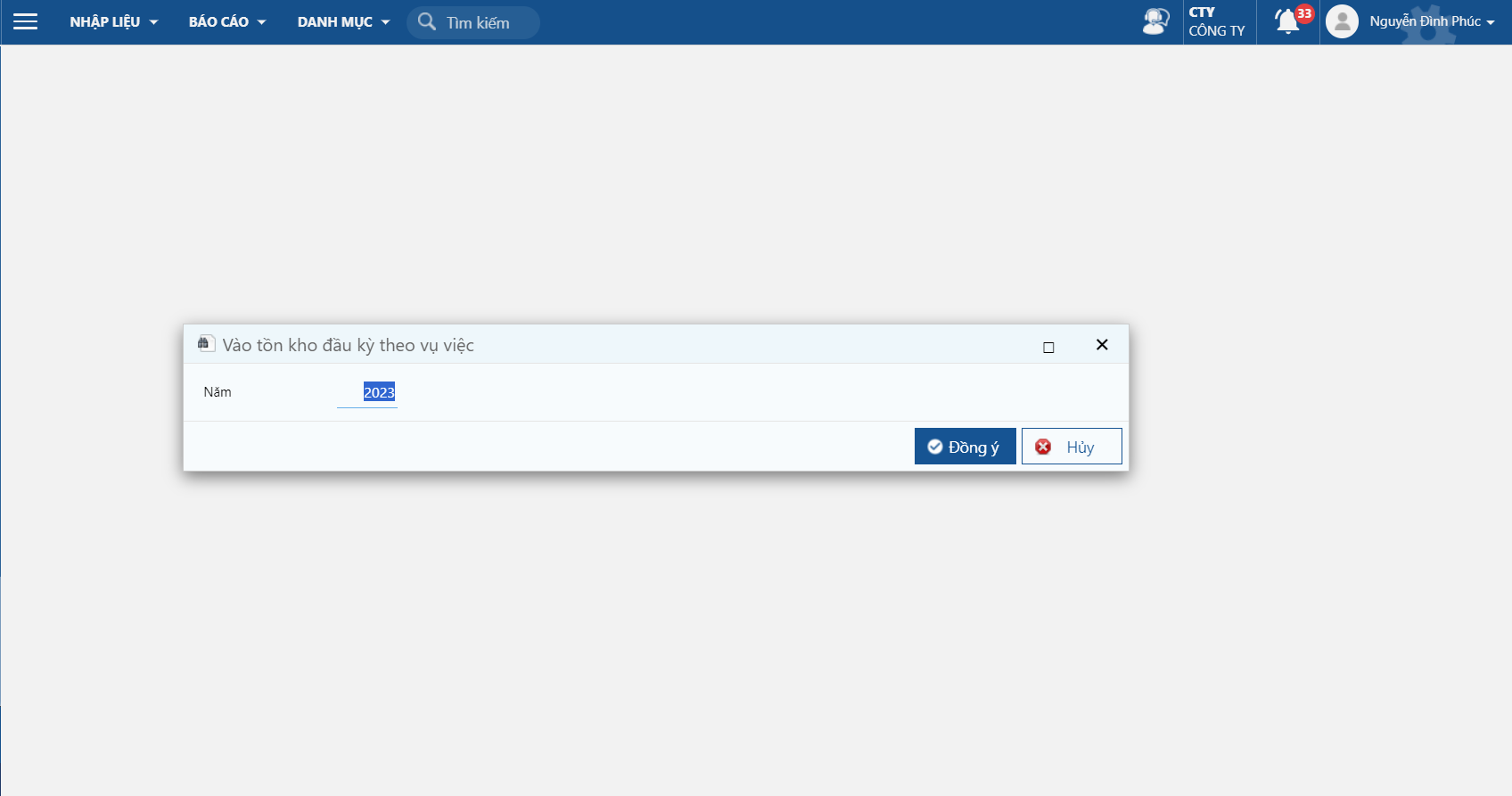
**Bước 1:** Vào màn hình: Vào tồn kho đầu kỳ, vụ việc
Đường dẫn: ***Vụ việc/ Nhập liệu/ Đầu kỳ/ Vào tồn kho đầu kỳ theo vụ việc***
Vào tồn kho đầu kỳ theo vụ việc
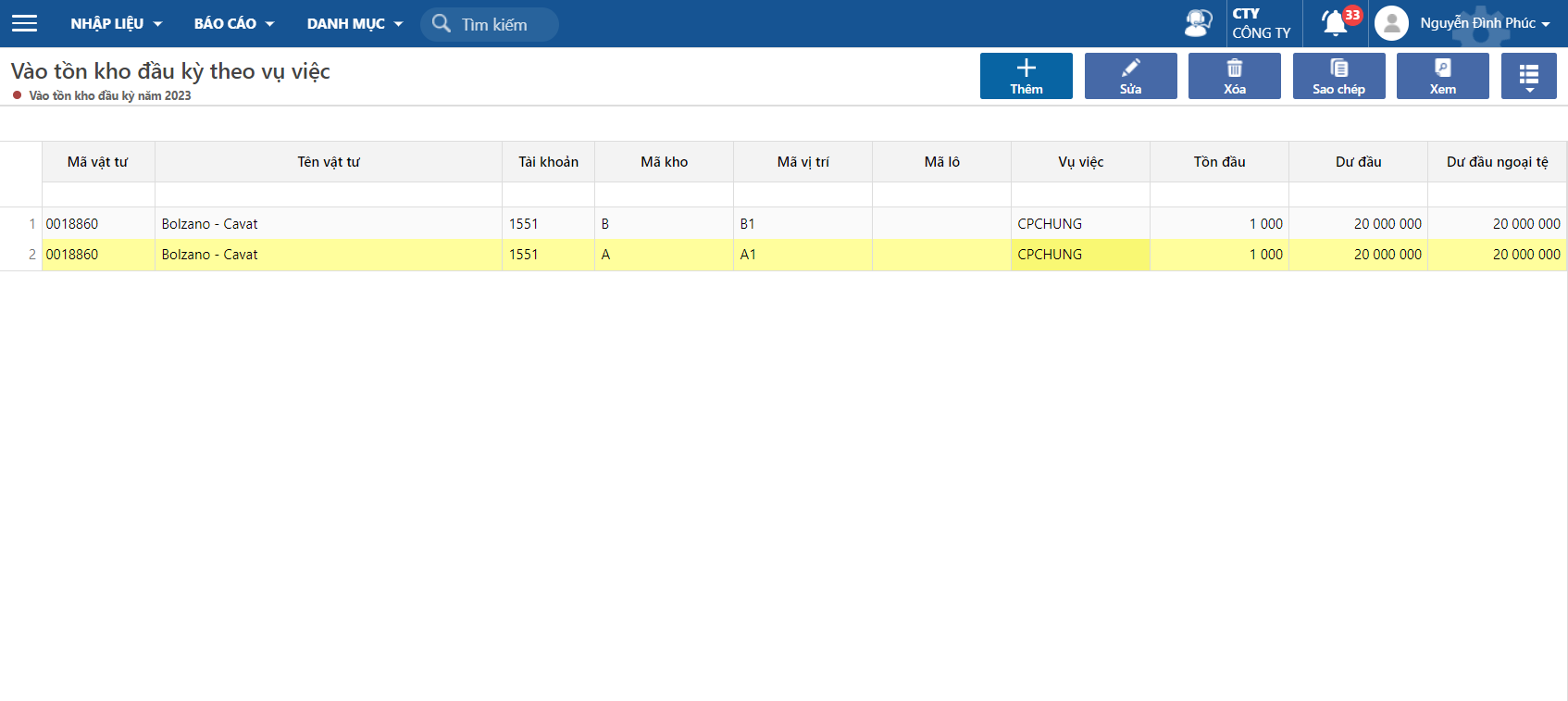
**Bước 2**: Thêm mới tồn kho đầu kỳ của vật tư
**Bước 3:** Kiểm tra lại các thông tin sau khi Lưu
#### Trường hợp 2: Import dữ liệu từ excel
Cách import từ excel, xem hướng dẫn [tại đây](https://help.arito.vn/he-thong/thao-tac-chuc-nang-tren-he-thong/import-du-lieu-tu-excel-vao-chuong-trinh)